
TL;DR

Get home appliances delivered free with Prime
- Fast, free delivery on millions of items
- Prime Video, Amazon Music and more included
- Member-only deals all year
Smart home security cameras combine high-tech video with internet connectivity, but their effectiveness hinges on factors like placement, storage, privacy, and video quality. Knowing these details helps you pick the right system for your home’s unique needs.
Imagine catching a clear image of a package thief on your doorstep, even from across the yard. That’s what a good smart home security camera can do. But with so many options out there—indoor, outdoor, battery-powered, wired—it’s easy to feel overwhelmed.
This guide cuts through the hype. You’ll learn what to look for—video quality that matters, night vision that actually works, and the right storage setup—so you can make a smart choice. Whether you want to deter burglars or keep an eye on your pets, understanding these key features will help you get the most out of your security system.
Prioritize placement and sensor quality over resolution; a well-placed 2K camera can outperform a poorly positioned 4K model.
Night vision varies; look for models with color night vision and effective range, especially around reflective surfaces.
Balance cloud and local storage based on your privacy needs, budget, and convenience, using hybrid setups when possible.
Secure your cameras with strong passwords, encryption, and regular updates; privacy features like shutters add extra protection.
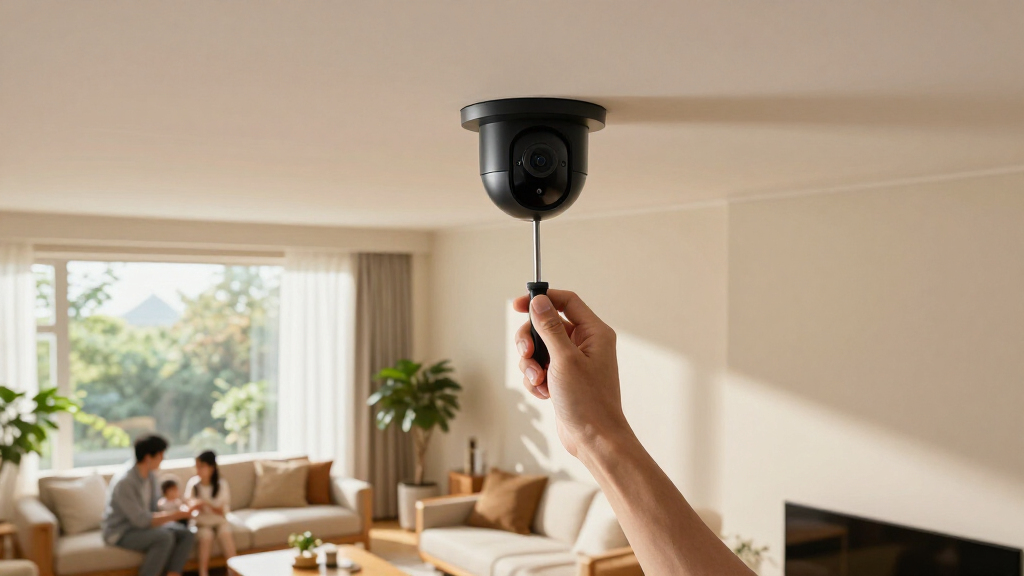
Choose placement carefully—mount cameras high enough to avoid tampering but low enough for facial recognition, testing angles at different times.
Why Resolution Isn’t the Whole Story in Video Quality
Everyone loves 4K, but resolution isn’t everything. A 4K camera isn’t automatically clearer if it’s poorly placed or uses a cheap sensor. Factors like lens quality, sensor size, and lighting can make a 2K camera outperform a 4K one. For example, a well-positioned 2K camera with a good lens can show facial details at your front door better than a shaky 4K video shot from a bad angle.
Think of it like a high-end camera lens—if it’s pointed in the wrong direction, all that resolution doesn’t help. Digital zoom? It’s only as good as the original capture. So, focus on placement and sensor quality, not just pixel count.
Choosing a higher resolution isn’t just about clarity; it also impacts bandwidth and storage. Higher resolution footage consumes more data, which can slow down your network or increase cloud storage costs. Conversely, a lower resolution might suffice if your camera is well-placed and lighting conditions are good. The key is understanding your needs and balancing resolution with practical considerations like network capacity and storage expenses.
outdoor 2K security camera with night vision
As an affiliate, we earn on qualifying purchases.
As an affiliate, we earn on qualifying purchases.
Night Vision That Actually Shows Faces, Not Just Shadows
Night vision varies wildly among cameras. Infrared LEDs are common, but many cameras only produce blurry, black-and-white images beyond 10-15 feet. Some newer models offer color night vision through sensitive sensors and supplemental spotlights, making faces and license plates clearer even in the dark.
Imagine your outdoor camera at night: a standard infrared model might show a dozen dark shapes, while a color night vision camera can distinguish a person’s face, clothing, and even a package sitting on your porch. Check effective range, image clarity, and whether a spotlight is needed—glare off windows and reflective surfaces can distort night images.
Understanding the implications of night vision technology is crucial because it directly affects your ability to identify intruders or suspicious activity after dark. Cameras with limited night vision might give you a false sense of security, so investing in models with proven low-light performance and color capabilities can make a meaningful difference in real-world situations. Also, consider the tradeoff: color night vision often requires more power and can be more expensive, but it provides richer detail that can be vital for evidence collection.
wireless home security camera system
As an affiliate, we earn on qualifying purchases.
As an affiliate, we earn on qualifying purchases.
Storage Options: Cloud, Local, or Both?
Storing footage is a balancing act. Cloud storage offers remote access and off-site backup but often comes with ongoing fees. Local storage—like microSD cards or a network recorder—keeps you in control but can be vulnerable if stolen or damaged. For example, a microSD card in an outdoor camera might be easy to steal if your camera is tampered with.
Here’s a quick comparison:
| Storage Type | Advantages | Limitations |
|---|---|---|
| Cloud | Accessible from anywhere, off-site backup | Recurring fees, dependency on internet, privacy concerns |
| MicroSD card | Inexpensive, local control | Can be stolen or damaged, limited capacity |
| Network recorder or NAS | Centralized, scalable storage | Higher initial cost, setup complexity |
Many smart systems combine both, for redundancy and flexibility. Understanding the tradeoffs helps you choose a setup that balances security, cost, and convenience. For example, cloud storage offers peace of mind if your local device is stolen, but it’s vulnerable to hacking if not properly secured. Local options give you control but require physical security measures to prevent tampering. Hybrid systems are often the best compromise, providing a backup in case one method fails.
color night vision security camera
As an affiliate, we earn on qualifying purchases.
As an affiliate, we earn on qualifying purchases.
Keeping Your Data Safe: Privacy and Security Must-Haves
Internet-connected cameras hold sensitive info—your routines, visitors, even inside activities. Protect yourself by choosing cameras with strong security features. Use unique passwords, enable two-factor authentication, and keep firmware updated. For example, a recent breach involved cameras with default passwords, making them easy targets.
Physical privacy shutters or manual power controls can block cameras when you don’t want them recording. Also, avoid sharing access with strangers and choose providers that encrypt data end-to-end. Research how long footage is stored, who can access it, and how your data is used if you subscribe to cloud plans.
Understanding the importance of data security is crucial because a compromised camera system can lead to privacy invasions or even give hackers access to your home network. Implementing strong security practices minimizes these risks. Additionally, consider the implications of cloud storage—your footage might be stored on servers beyond your control, so choosing reputable providers with transparent privacy policies is essential. Physical privacy controls can serve as an extra safeguard, especially in sensitive areas or during times when you don’t want cameras recording, such as when you’re home or asleep.
smart home security camera with local storage
As an affiliate, we earn on qualifying purchases.
As an affiliate, we earn on qualifying purchases.
Frequently Asked Questions
Do security cameras really prevent crime?
Visible cameras can deter opportunistic thefts or vandalism, but they don’t guarantee prevention. Their real value lies in capturing evidence, alerting you remotely, and enabling faster responses.
Is 4K worth the extra cost?
4K cameras can help identify distant details and cover large areas, but they require more bandwidth and storage. Proper placement and good lighting often matter more than resolution alone.
Can cameras record without Wi-Fi?
Some wired or local-storage systems can record without internet, but most smart cameras depend on Wi-Fi for remote viewing, alerts, and cloud backup. Check your system’s capabilities before buying.
Will my cameras record during an internet outage?
It depends. Cameras with local storage can continue recording, but those relying solely on cloud services may pause. Consider a hybrid system if ongoing coverage matters to you.
Should I subscribe for extra features?
Many advanced detection, longer storage, and emergency features are subscription-based. Review what’s available free and what requires ongoing payment before making a decision.
Conclusion
Your home’s security isn’t just about buying the latest gadget. It’s about understanding how each feature works together—video quality, placement, privacy, and storage—to give you true peace of mind. Think of your camera system as a vigilant guard, watching over your home with clarity and care.
Remember, the best camera is the one you position thoughtfully, secure diligently, and understand thoroughly. When you do that, your home becomes a safer, smarter place—day and night.
Fall yard work Picks
leaf blowers
As an affiliate, we earn on qualifying purchases.