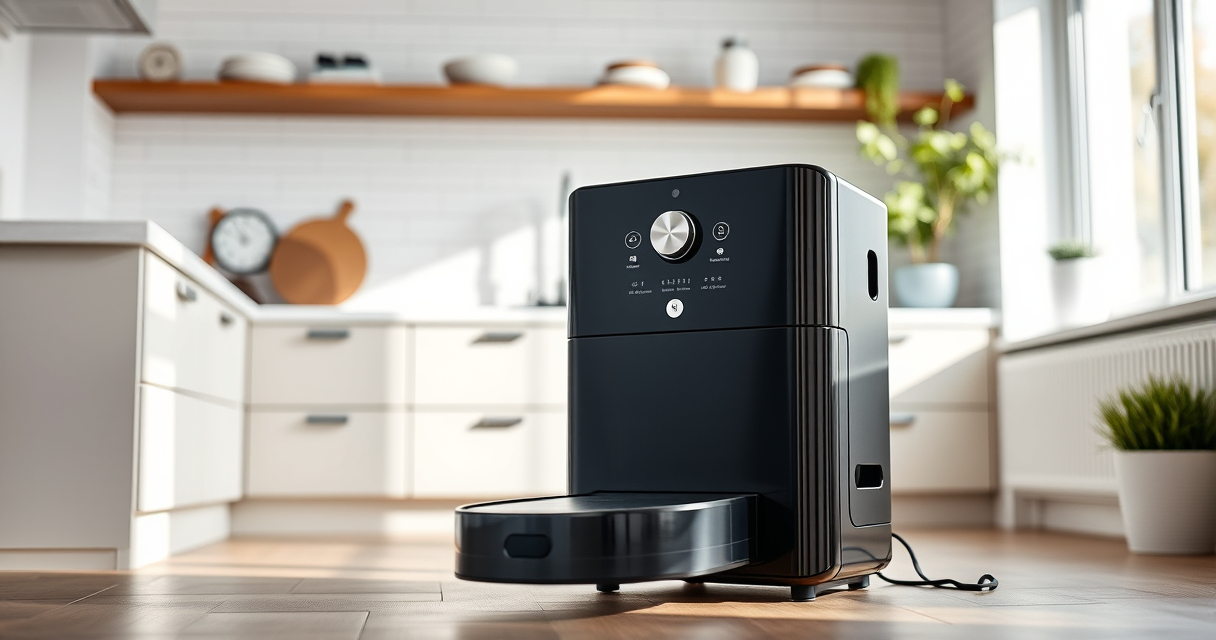
Proper cleaning and maintenance of your Roborock S8 MaxV are essential to ensure it continues to operate efficiently and lasts longer. This guide provides clear, practical steps to safely clean your robot vacuum, including filters, brushes, and mop pads.
Follow these instructions carefully, and remember to use recommended accessories to maintain your device’s performance and avoid damage.
Gather Necessary Supplies
- Clean, dry microfiber cloths or soft brushes
- Replacement filters (recommended: 4 Pack Washable Filter)
- Warm water and mild detergent for cleaning mop pads
- Compressed air or small brush for cleaning sensors and vents
Turn Off and Unplug Your Roborock
Before starting, turn off your Roborock S8 MaxV and unplug it from the charging dock. This ensures safety and prevents accidental activation during cleaning.
Clean the Main Brush and Side Brushes
- Remove the main brush according to the manufacturer’s instructions.
- Use a small brush or your hands to clear hair, dust, and debris from the brush and its bearings.
- rinse the brush with water if needed, then dry thoroughly before reinstalling.
- Remove side brushes and clean debris from their attachments, replacing if damaged.
Clean or Replace Filters and Mop Pads
- Remove the filter from the vacuum and gently tap it to remove dust. For washable filters, rinse with water and let dry completely before reinstalling.
- Replace filters every few months for optimal performance.
- Clean mop pads by washing in warm water with mild detergent. For microfiber pads, ensure they are fully dry before reuse.
Wipe Sensors, Charging Contacts, and Exterior
Use a dry microfiber cloth or compressed air to gently clean sensors, charging contacts, and the exterior of the device. Avoid harsh chemicals which can damage sensitive parts.
Products That Help

4 Pack Washable Filter
- ✔ Weight: Approx. 50g
- ✔ Dimensions: 10cm x 8cm x 2cm
- ✔ Material: HEPA
4 Pack Washable Filter
This washable filter set is compatible with multiple Roborock models including the S8 MaxV. It helps keep your vacuum running efficiently by trapping dust and allergens effectively.
Pros:
- Reusable and washable
- Compatible with multiple models
- Easy to install
- Maintains filtration efficiency
Cons:
- Requires regular cleaning
- Not OEM but performs well
- Needs drying after washing
Best for: Replacing filters to improve air quality and suction
Not ideal for: For users seeking OEM filters only
Bottom line: A cost-effective, reusable filter set that maintains your vacuum’s cleaning power.
Frequently Asked Questions
How often should I clean the filters?
It is recommended to wash the filters every 1-2 months and replace them every 3-6 months for optimal performance.
Can I use water to clean the filters?
Yes, washable filters should be rinsed with water and thoroughly dried before reinstalling to prevent damage.
How do I clean the brushes properly?
Remove the brushes and clear out hair and debris using a small brush or your fingers. Rinse with water if necessary, then dry completely before reinstallation.
Is it safe to clean sensors with water?
No, sensors should be cleaned with a dry cloth or compressed air to avoid damage. Do not use water on sensors.
Affiliate disclosure: As an Amazon Associate we earn from qualifying purchases. Prices and availability are accurate as of the time of publishing.