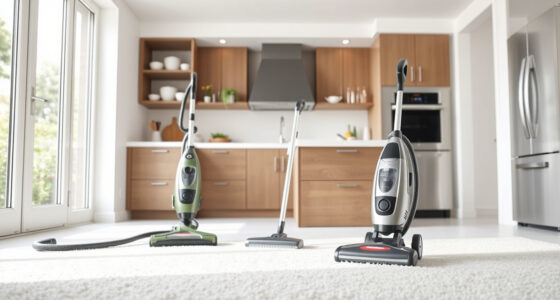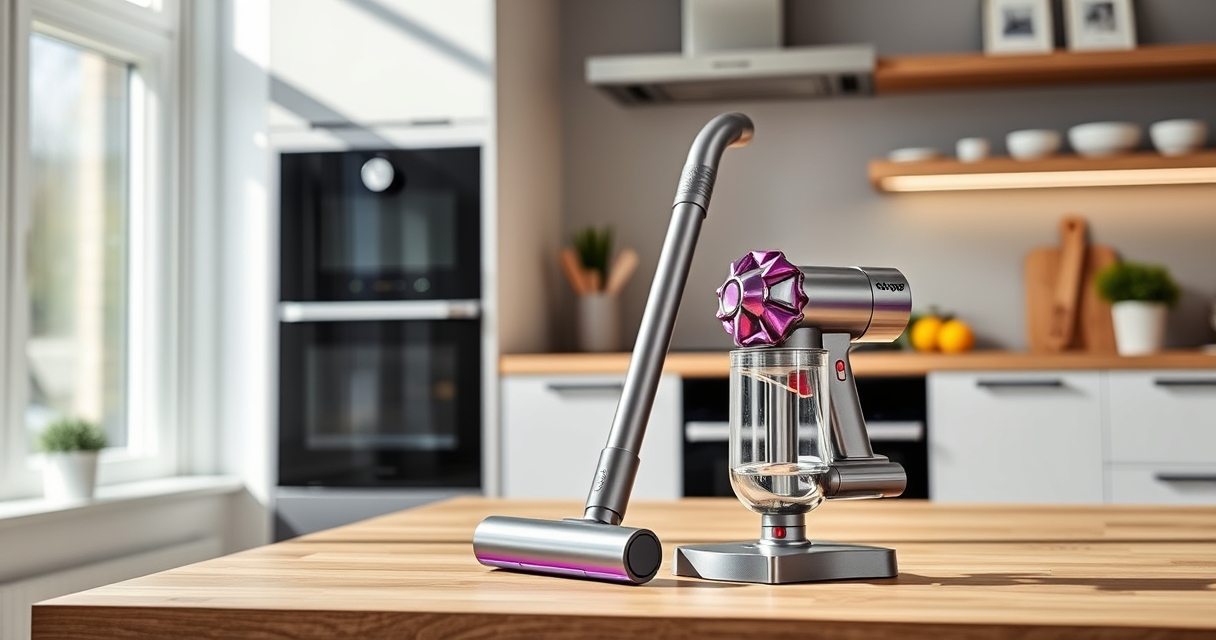
If your Dyson V15 Detect™ Origin Cordless Vacuum is pulsing on and off during use, it can disrupt your cleaning. This common issue may be caused by blockages, filter problems, or battery issues. Fortunately, many fixes are straightforward and safe to perform at home.

Get home appliances delivered free with Prime
- Fast, free delivery on millions of items
- Prime Video, Amazon Music and more included
- Member-only deals all year
In this guide, you’ll find clear, step-by-step instructions to identify and resolve the root causes, ensuring your vacuum works efficiently and maintains its powerful performance.
Key Takeaways
| Check for blockages | Clear obstructions in the wand, cleaner head, and hose. |
| Inspect filters | Clean or replace filters regularly to prevent airflow issues. |
| Ensure proper battery function | Verify battery health and charge level. |
| Perform routine maintenance | Keep the vacuum well-maintained for optimal performance. |
Step 1: Power Off and Unplug
Before troubleshooting, turn off your Dyson vacuum and disconnect it from charging or power sources. This ensures safety during inspection and maintenance.
Step 2: Check for Blockages
- Inspect the wand, cleaner head, and hose for any debris or obstructions.
- Remove the cleaner head and wand to look inside for blockages.
- Clear any debris using a long, flexible brush or a gentle stream of water (if washable).
Step 3: Clean or Replace Filters
- Remove the pre-filters and main filters from the vacuum.
- Rinse washable filters under cold water until clear, then let them air dry completely (preferably 24 hours).
- If filters are heavily soiled or damaged, replace them with new ones like the 3Pack Pre Filters Replacement or V10 filters.
Step 4: Check Battery and Power Settings
Ensure the battery is fully charged. If pulsing persists, try resetting the vacuum by turning it off, removing the battery if possible, then reinserting it. Also, verify that you’re using the correct power mode for the floor type.
Step 5: Perform Routine Maintenance
Regularly clean the brush bar, check for tangled hair, and empty the bin. Keeping parts clean helps prevent malfunctions and pulsing issues.
The Products in This Guide

Dyson V15 Detect™ Origin Cordless Vacuum
- ✔ Weight: 6.8 lbs
- ✔ Charging Time: 3.5 hours
- ✔ Warranty: 2 years

LANMU Crevice Tool Vacuum Attachments Compatible
- ✔ Length: 12 inches
- ✔ Material: ABS plastic
- ✔ Compatibility: Multiple Dyson models
Dyson V15 Detect™ Origin Cordless Vacuum
The Dyson V15 Detect™ Origin offers advanced cleaning with intelligent debris detection and a long-lasting battery. Proper maintenance ensures it keeps pulsing issues at bay.
Pros:
- Powerful suction
- Intelligent debris detection
- Long battery life
- Versatile cleaning modes
Cons:
- Filter cleaning required regularly
- Can be heavy for prolonged use
- Pricey replacement filters
Best for: Whole-home deep cleaning, pet owners, hard-to-reach areas
Not ideal for: Light, quick cleans or users on a tight budget
Bottom line: A high-performance cordless vacuum with smart features, requiring regular maintenance.
LANMU Crevice Tool Vacuum Attachments Compatible
The LANMU Crevice Tool fits Dyson V15 and other models, helping you reach tight spaces, corners, and upholstery easily. It’s a simple upgrade that enhances cleaning efficiency.
Pros:
- Narrow, flexible nozzle
- Easy to attach
- Helps clean tight spots
- Durable build
Cons:
- Only compatible with certain Dyson models
- Additional attachment cost
Best for: Cleaning corners, car interiors, and furniture gaps
Not ideal for: Main cleaning tool replacement
Bottom line: A handy tool to extend your Dyson’s reach and improve cleaning in tight spaces.
Frequently Asked Questions
Why does my Dyson pulsing on and off?
Pulsing often indicates airflow issues caused by blockages, dirty filters, or battery problems. Troubleshooting these areas usually resolves the issue.
How often should I clean the filters?
It is recommended to rinse washable filters every 1-3 months, depending on usage, and replace non-washable filters every 6-12 months.
Can I use water to clean the filters?
Yes, if the filters are washable, rinse them with cold water, then let them air dry completely before reinserting.
What should I do if pulsing continues after cleaning?
If the issue persists, check for blockages, ensure the battery is charged, and consider replacing filters or contacting Dyson support for further assistance.
Get Your Dyson Running Smoothly Again
By following these troubleshooting steps, you can often fix the pulsing issue and restore your Dyson V15 Detect™ Origin to peak performance. Regular maintenance, especially filter cleaning and checking for blockages, is key to reliable operation. If problems persist, professional support may be needed, but most users find that these simple steps resolve the pulsing on and off problem effectively.
Affiliate disclosure: As an Amazon Associate we earn from qualifying purchases. Prices and availability are accurate as of the time of publishing.
NFL season / tailgating Picks
team gear
As an affiliate, we earn on qualifying purchases.