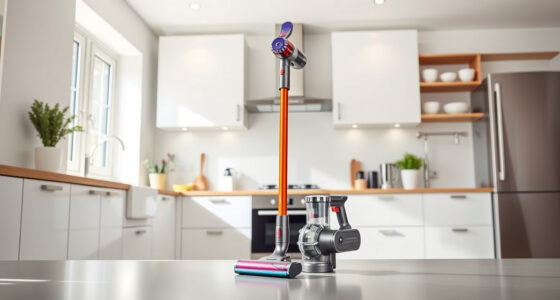
If your Dyson V15 Detect™ cordless vacuum isn’t holding its charge or the battery dies quickly, it can be frustrating. Many issues stem from battery wear, dirty filters, or operational habits. This guide will walk you through safe, effective troubleshooting steps to restore your vacuum’s battery life and performance.

Get home appliances delivered free with Prime
- Fast, free delivery on millions of items
- Prime Video, Amazon Music and more included
- Member-only deals all year
Always ensure safety and follow manufacturer recommendations when handling components and performing maintenance.
Key Takeaways
| Battery health is crucial | Battery wear causes decreased runtime; replacement may be necessary. |
| Regular filter cleaning improves efficiency | Clogged filters can reduce suction and battery life. |
| Proper maintenance extends battery life | Cleaning filters and avoiding overuse can prevent early battery failure. |
| Check for software updates | Firmware updates can optimize battery management. |
Identify the Cause of Battery Deterioration
- Assess how long your vacuum runs on a full charge. If significantly shorter than 60 minutes, the battery may be aging.
- Check for error messages or alerts on the LCD screen that indicate battery issues or maintenance needs.
- Inspect the filter and cleaner head for dirt buildup, which can strain the motor and drain the battery faster.
Clean or Replace Filters
Dirty filters can impede airflow, causing the motor to work harder and drain the battery quicker. Remove the pre-filters and filters, rinse them under water, and air dry completely before reinstalling.
Replace filters if they are damaged or heavily soiled, especially if they are part of the recommended replacements.
Check the Battery and Connections
- Ensure the battery is properly seated in the vacuum. Remove and reinsert it to confirm a secure connection.
- Look for any signs of damage or swelling on the battery.
- Clean the contact points with a dry cloth to ensure good electrical contact.
Perform a Firmware Update and Reset
If your Dyson V15 Detect™ supports firmware updates, connect it to the Dyson Link app or follow the manufacturer’s instructions to check for updates. Updating the software can improve battery management.
Reset the vacuum by turning it off, removing the battery, waiting a few minutes, then reinserting it and powering on.
Consider Battery Replacement
If the above steps don’t restore battery life, replacing the battery may be necessary. Use a genuine Dyson replacement battery or compatible high-quality options.
Follow the manufacturer’s instructions or seek professional help to replace the battery safely.
The Products in This Guide

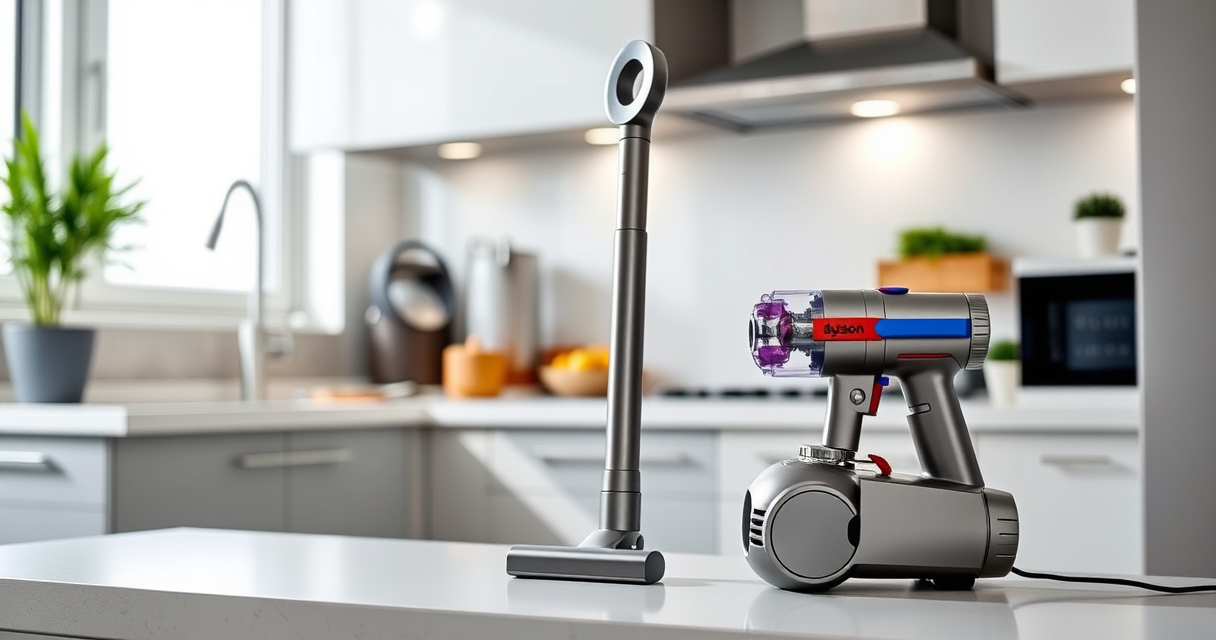
Dyson V15 Detect™ Origin Cordless Vacuum
- ✔ Weight: 6.8 lbs
- ✔ Charge Time: 3.5 hours
- ✔ Battery Type: Lithium-ion

LANMU Crevice Tool Vacuum Attachments Compatible
- ✔ Nozzle Width: 0.5 inches
- ✔ Material: Plastic
- ✔ Weight: 0.5 lbs
Dyson V15 Detect™ Origin Cordless Vacuum
The Dyson V15 Detect™ Origin offers advanced cleaning with intelligent debris detection and a long-lasting 60-minute runtime. Proper maintenance can extend its battery life significantly.
Pros:
- Powerful suction with 100% more power
- Intelligent debris detection
- Long 60-minute runtime
- LCD screen for real-time info
Cons:
- Battery may degrade over time
- Filters require regular cleaning
- Higher price point
Best for: Whole-home deep cleaning, pet hair, hard floors, and carpets
Not ideal for: Heavy usage without maintenance or battery replacement
Bottom line: Regular maintenance and timely replacement can keep your Dyson V15 performing at its best.
LANMU Crevice Tool Vacuum Attachments Compatible
This crevice tool attachment helps reach tight spots, ensuring your vacuum operates at peak efficiency, indirectly supporting battery life by reducing strain.
Pros:
- Narrow nozzle for tight spaces
- Compatible with multiple Dyson models
- Flexible and slim design
- Easy to use
Cons:
- Additional attachment needed
- Not for major cleaning tasks
- Requires proper storage
Best for: Cleaning corners, edges, car interiors
Not ideal for: Heavy-duty cleaning or large debris
Bottom line: A versatile tool that complements your Dyson for detailed cleaning tasks.
Frequently Asked Questions
How often should I replace the Dyson filters?
It’s recommended to replace or clean filters every 2-3 months, depending on usage and dirt levels.
Can I upgrade my Dyson battery?
Yes, if your model supports it, replacing with a genuine or high-quality compatible battery can restore runtime.
Why does my Dyson vacuum run out of power quickly?
Possible causes include a worn-out battery, clogged filters, or debris buildup in the cleaner head.
Is it safe to clean the filters with water?
Yes, most Dyson filters are washable. Make sure they are fully dry before reinstalling to prevent damage.
Keep Your Dyson V15 at Peak Performance
Regular maintenance, including cleaning filters, checking connections, and timely battery replacements, can significantly extend your vacuum’s lifespan and ensure optimal battery life. Following these steps will help you enjoy powerful, efficient cleaning sessions for years to come.
Affiliate disclosure: As an Amazon Associate we earn from qualifying purchases. Prices and availability are accurate as of the time of publishing.
Fall yard work Picks
leaf blowers
As an affiliate, we earn on qualifying purchases.