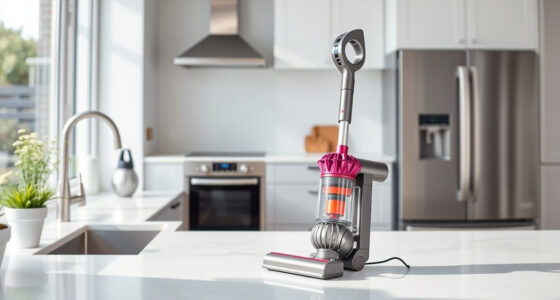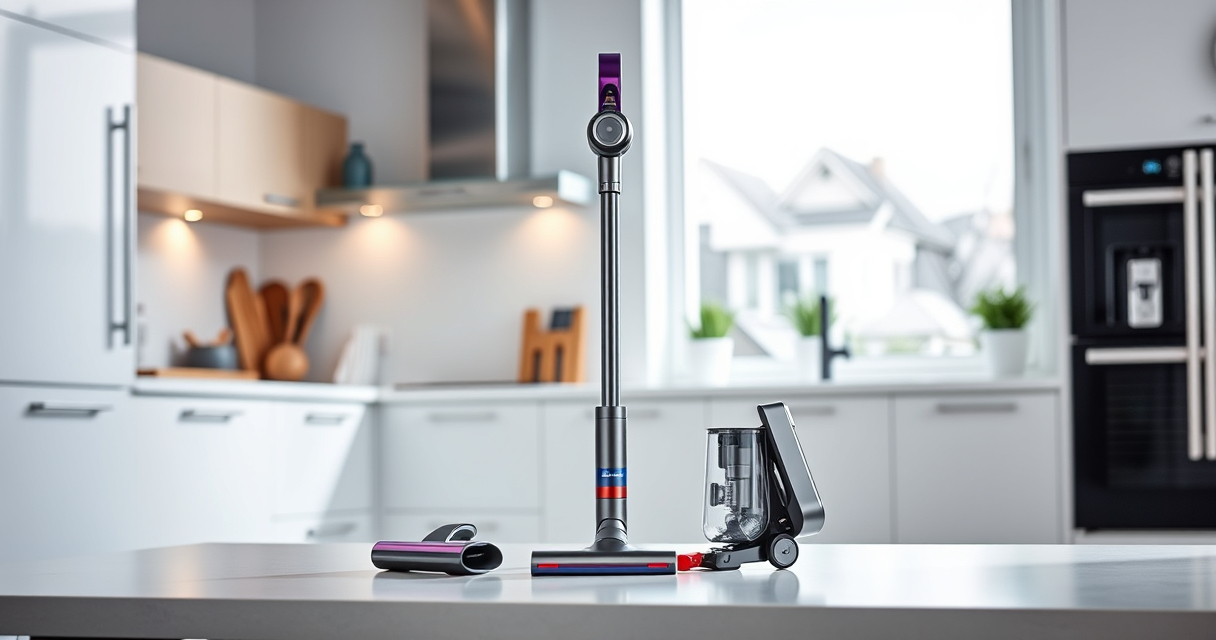
If your Dyson V15 Detect™ Origin cordless vacuum keeps pulsing on and off, it can be frustrating and disruptive. This common issue often indicates a problem that can be fixed with some simple troubleshooting steps, ensuring your vacuum performs at its best. In this guide, you’ll learn practical, safe methods to diagnose and resolve the pulsing problem effectively.

Get home appliances delivered free with Prime
- Fast, free delivery on millions of items
- Prime Video, Amazon Music and more included
- Member-only deals all year
Before starting, make sure your vacuum is unplugged, and you have the necessary replacement parts if needed. Follow these step-by-step instructions carefully for best results.
Key Takeaways
| Check for blockages | Clogged filters or hose can cause pulsing. |
| Inspect filters | Dirty or clogged filters reduce suction and trigger pulsing. |
| Examine the battery and connections | Loose or faulty connections can cause power fluctuations. |
| Ensure proper brush head attachment | Incorrect attachment or obstructions can impact performance. |
| Replace worn filters | Old filters may diminish suction and cause pulsing. |
Step 1: Turn Off and Unplug the Vacuum
Before troubleshooting, turn off your Dyson V15 Detect™ Origin and unplug it from the charging station or power source. This prevents accidental activation and ensures safety during inspection and cleaning.
Step 2: Check for Blockages and Obstructions
- Remove the cleaner head and inspect the hose and wand for debris or blockages.
- Clear any visible obstructions carefully.
- Reattach the cleaner head securely.
Step 3: Clean or Replace Filters
Dirty filters can cause the vacuum to pulse due to reduced airflow. Remove the filters from the vacuum, rinse them with water, and let them air dry completely for 24 hours. If filters are damaged or worn, replace them with compatible spare filters.
Step 4: Inspect the Battery and Connections
Check that the battery is properly seated and connections are secure. If you notice any corrosion or loose wires, gently reconnect or replace faulty parts. A faulty battery or loose connection can cause inconsistent power, leading to pulsing.
Step 5: Verify Attachments and Brush Heads
Ensure that the brush head and other attachments are clicked in securely. Remove any tangled hair or debris from the brushes, as obstructions can affect suction and trigger pulsing behavior.
The Products in This Guide

Dyson V15 Detect™ Origin Cordless Vacuum
- ✔ Weight: 6.8 lbs
- ✔ Battery Type: Lithium-ion
- ✔ Charge Time: 4.5 hours

LANMU Crevice Tool Vacuum Attachments Compatible
- ✔ Weight: 0.3 lbs
- ✔ Color: Black/Gray
- ✔ Warranty: 1 year
Dyson V15 Detect™ Origin Cordless Vacuum
The Dyson V15 Detect™ Origin offers powerful cleaning with intelligent features like debris detection and real-time particle count. Proper maintenance can prevent pulsing issues and keep it performing at its peak.
Pros:
- Powerful suction
- Smart sensors
- Long runtime
- Adaptable modes
Cons:
- Filters require regular cleaning
- Can be heavy for some users
- Pricey replacement parts
Best for: Whole-home cleaning and pet hair removal
Not ideal for: Light or quick clean-ups for small spaces
Bottom line: Regular maintenance and inspection can prevent pulsing issues in your Dyson V15 Detect™.
LANMU Crevice Tool Vacuum Attachments Compatible
The LANMU Crevice Tool offers a narrow, flexible nozzle to easily access tight spaces, perfect for cleaning corners, car interiors, and upholstery. It complements your Dyson well, especially when dealing with blocked or hard-to-reach areas.
Pros:
- Narrow, flexible design
- Compatible with multiple Dyson models
- Easy to maneuver
- Effective for detailed cleaning
Cons:
- May require additional adapters for some models
- Not for heavy debris
- Plastic build can feel fragile
Best for: Cleaning corners, gaps, and tight spaces
Not ideal for: Heavy-duty debris or large surfaces
Bottom line: Enhance your Dyson cleaning with this versatile crevice tool for hard-to-reach spots.
Frequently Asked Questions
Why does my Dyson vacuum pulse on and off?
This often indicates a blockage, dirty filter, or connection issue that affects airflow or power supply. Following troubleshooting steps can resolve it.
How often should I clean or replace the filters?
Filters should be rinsed every 1-3 months and replaced if damaged or heavily clogged. Refer to your model’s manual for specific guidance.
Can I fix pulsing issues myself or do I need professional help?
Most pulsing issues are manageable with routine maintenance like cleaning filters and checking for blockages. If problems persist, contacting Dyson support or a professional technician is advised.
What should I do if cleaning doesn’t fix the pulsing?
If cleaning filters and checking for obstructions doesn’t work, consider replacing the filters or battery, or consulting Dyson customer service for further diagnosis.
Keep Your Dyson V15 Detect™ Performing at Its Best
Regular maintenance, including cleaning filters and inspecting for blockages, is key to preventing pulsing issues. With these simple troubleshooting steps, you can restore your vacuum to optimal performance and enjoy thorough cleaning without interruptions.
Affiliate disclosure: As an Amazon Associate we earn from qualifying purchases. Prices and availability are accurate as of the time of publishing.
Fall Picks
fall essentials
As an affiliate, we earn on qualifying purchases.