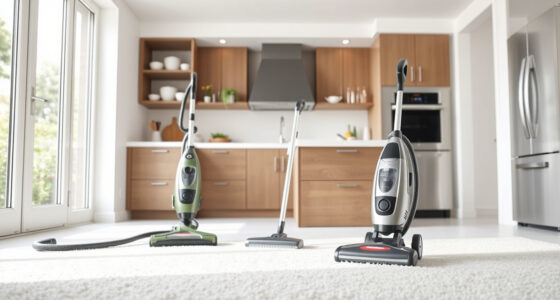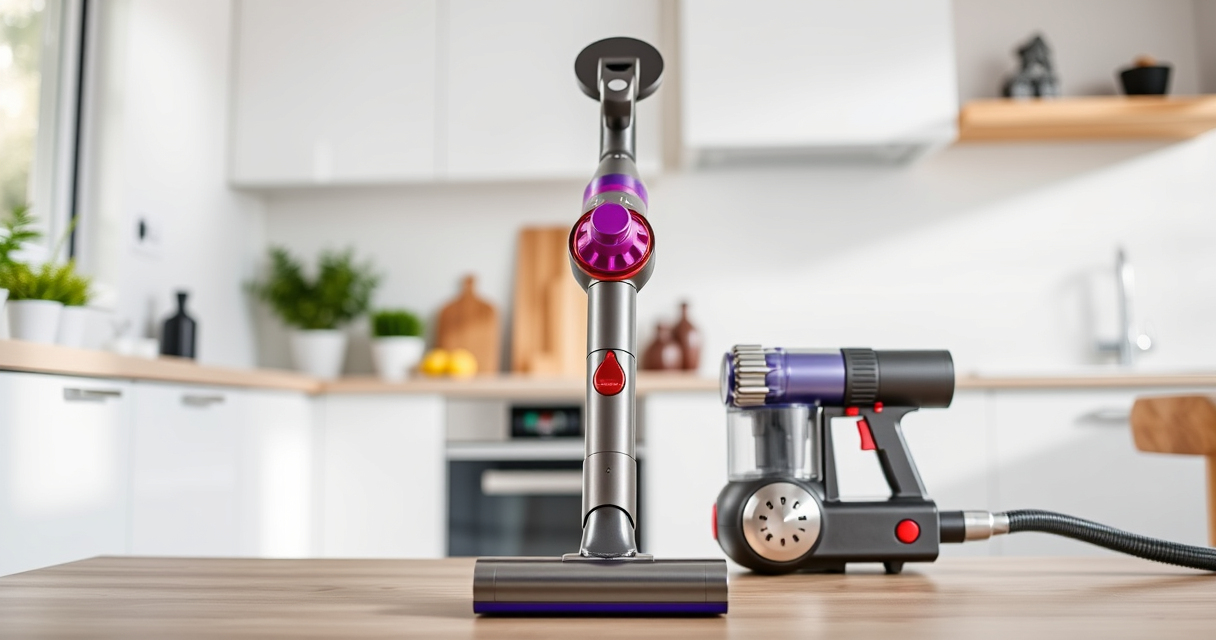
If your Dyson V15 Detect™ Origin Cordless Vacuum is pulsing on and off, it can be frustrating and reduce cleaning efficiency. This common issue often stems from blockages, filter problems, or battery concerns. Fortunately, with some simple troubleshooting steps, you can restore your vacuum’s power and enjoy deep cleaning again.

Get home appliances delivered free — and shop member deals
- Fast, free delivery on millions of items
- Access to Prime Big Deal Days deals on October 6–7
- Prime Video, Amazon Music and more included
Follow this guide to identify the cause of pulsing, perform safe fixes, and maintain your vacuum for long-lasting performance.
Key Takeaways
| Check for blockages | Clear clogs in the wand and cleaner head. |
| Inspect and clean filters | Replace or wash filters regularly to ensure proper airflow. |
| Examine the battery | Ensure the battery is charged and properly connected. |
| Reset the vacuum | Perform a reset if the issue persists after cleaning. |
Check for Blockages in the Cleaner Head and Wand
- Turn off and unplug your Dyson vacuum for safety.
- Remove the cleaner head and wand from the main body.
- Inspect for hair, dust, or debris blocking the airflow passages.
- Clear any obstructions with a long, flexible brush or cloth.
- Reassemble and test the vacuum to see if pulsing persists.
Clean or Replace Filters
- Remove the pre-filters and main filters as per your model’s instructions.
- If washable, rinse the filters thoroughly with water and let them air dry completely (at least 24 hours).
- If they are worn out or excessively dirty, replace them with compatible filters such as the 3Pack Pre Filters Replacement.
- Reinstall filters securely and run the vacuum to check if the pulsing issue is resolved.
Check the Battery and Connections
- Ensure the battery is fully charged and properly seated in the vacuum.
- Look for any signs of damage or loose connections.
- If your model allows, reset the battery by removing and reinserting it, or follow the manufacturer’s reset procedure.
- Test the vacuum again after reconnecting the battery.
Perform a Reset and Final Test
Many pulsing issues are resolved by resetting the vacuum. Turn off the device, wait 30 seconds, then turn it back on. If the problem continues, proceed to a full cleaning cycle and check for remaining blockages or filter issues. If the vacuum still pulses, contact Dyson support for further assistance.
The Products in This Guide

Dyson V15 Detect™ Origin Cordless Vacuum
- ✔ Battery Life: Up to 60 minutes
- ✔ Filter Type: HEPA
- ✔ Weight: Approximately 6.8 lbs

LANMU Crevice Tool Vacuum Attachments Compatible
- ✔ Compatibility: Multiple Dyson models
- ✔ Material: Plastic
- ✔ Length: Flexible, extendable
Dyson V15 Detect™ Origin Cordless Vacuum
The Dyson V15 Detect™ Origin Cordless Vacuum offers excellent suction, smart features, and versatile cleaning heads. Proper maintenance is key to preventing pulsing issues and keeping it performing at its best.
Pros:
- Strong suction power
- Intelligent debris detection
- Long battery life
- Multiple cleaning heads
Cons:
- Filter cleaning required regularly
- Can be heavy for some users
- Costly replacement filters
Best for: Whole-home deep cleaning, pet owners, detailed floor cleaning
Not ideal for: Light cleaning tasks or small spaces
Bottom line: Regular maintenance and filter care are essential for optimal Dyson V15 performance.
LANMU Crevice Tool Vacuum Attachments Compatible
The LANMU Crevice Tool Vacuum Attachments are compatible with various Dyson models and help access tight spaces. Using this tool can assist in clearing blockages that cause pulsing issues.
Pros:
- Narrow, flexible nozzle
- Eases cleaning in corners
- Compatible with many Dyson models
- Durable construction
Cons:
- Attachment only, not a filter or battery solution
- May require additional extension tools
- Requires proper fitting
Best for: Cleaning corners, car interiors, tight gaps
Not ideal for: General cleaning or large surface areas
Bottom line: A versatile tool to help clear blockages and improve vacuum airflow.
Frequently Asked Questions
What causes a Dyson vacuum to pulse on and off?
Common causes include blockages, dirty filters, battery issues, or airflow restrictions. Regular maintenance often resolves the problem.
How often should I clean or replace the filters?
Filters should be washed or replaced every 2-3 months, depending on usage, to maintain optimal airflow and suction.
Can I reset my Dyson vacuum if it keeps pulsing?
Yes, turning the vacuum off, waiting for 30 seconds, then turning it back on can reset the system and resolve pulsing issues in many cases.
What should I do if cleaning and filter replacement don’t fix the pulsing?
If issues persist, check for blockages, inspect the battery connection, or contact Dyson support for professional assistance.
Keep Your Dyson V15 Detect™ Performing at Its Best
Addressing pulsing issues involves checking for blockages, maintaining filters, and ensuring proper battery connections. Regular upkeep will help your vacuum deliver the powerful, intelligent cleaning experience it’s designed for. If problems continue despite troubleshooting, professional support may be necessary to diagnose deeper issues.
Affiliate disclosure: As an Amazon Associate we earn from qualifying purchases. Prices and availability are accurate as of the time of publishing.
Cold & flu season Picks
humidifiers
As an affiliate, we earn on qualifying purchases.