
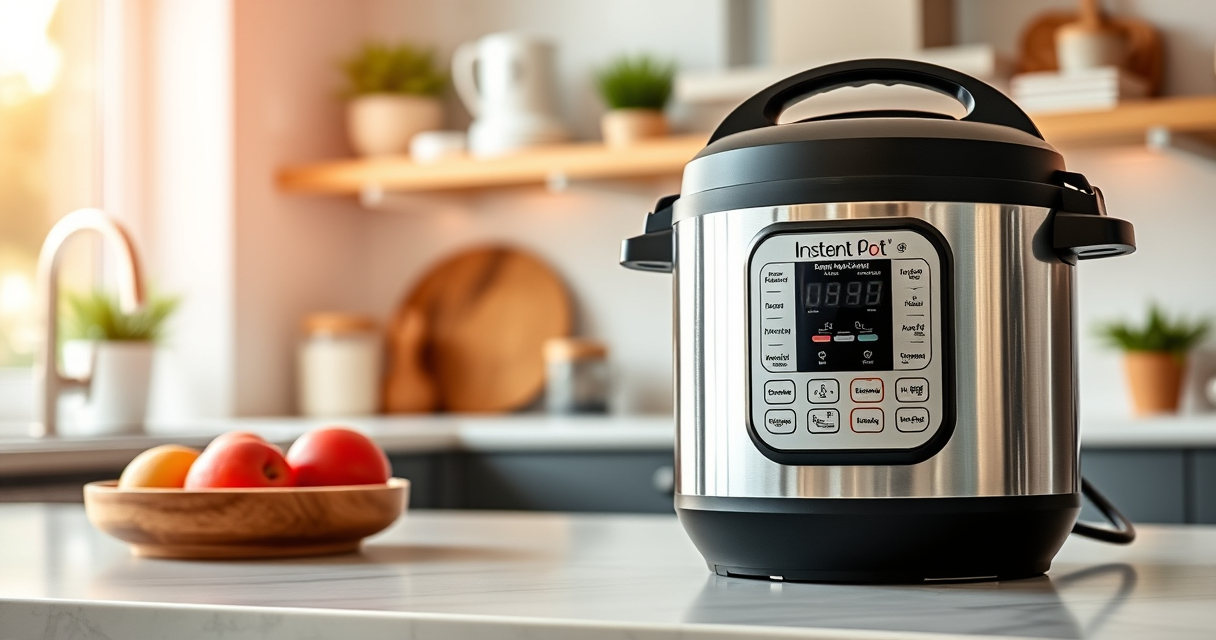

If your Instant Pot 4QT RIO Mini is displaying a burn error, it can be frustrating and halt your cooking process. This common issue often stems from food sticking to the bottom or insufficient liquid. Fortunately, with careful troubleshooting, you can resolve this problem and get back to cooking your favorite meals efficiently.

Get home appliances delivered free with Prime
- Fast, free delivery on millions of items
- Prime Video, Amazon Music and more included
- Member-only deals all year
Follow these practical steps to identify the cause and fix the burn error safely, ensuring your Instant Pot operates smoothly again.
Key Takeaways
| Check for Food Sticking | Food sticking to the bottom causes burn errors. |
| Ensure Adequate Liquid | Insufficient liquid triggers the burn warning. |
| Clean the Bottom | Build-up or residue can cause false alarms. |
| Use Proper Cooking Techniques | Avoid overfilling or layering ingredients too thickly. |
Step 1: Turn Off and Release Pressure
- Press ‘Cancel’ to stop cooking.
- Carefully release pressure using the quick-release valve.
Step 2: Open and Inspect the Inner Pot
Remove the inner pot and check for food residue or stuck bits at the bottom. Clean thoroughly if needed.
Step 3: Add Sufficient Liquid
Ensure there is at least 1 to 1.5 cups of liquid in the inner pot, as insufficient liquid can cause burn errors.
Step 4: Prevent Food Sticking
- Avoid overfilling the pot.
- Stir ingredients well before sealing.
- Use a steamer basket for foods prone to sticking.
Step 5: Reset and Test
Reassemble the inner pot, secure the lid, and run a short pressure cycle to verify if the error persists.
The Products in This Guide

Instant Pot 4QT RIO Mini 7-in-1 Multi-Cooker
- ✔ Warranty: 1 Year
- ✔ Power: 1000W
- ✔ Voltage: 120V

AOZITA Steamer Basket
- ✔ Weight: 1.2 pounds
- ✔ Color: Silver
- ✔ Dishwasher safe: Yes
Instant Pot 4QT RIO Mini 7-in-1 Multi-Cooker
The Instant Pot 4QT RIO Mini is a versatile and compact multi-cooker ideal for small families or individuals. It offers seven cooking functions, making it a convenient all-in-one device. Proper maintenance and troubleshooting can minimize burn errors and extend its lifespan.
Pros:
- Compact and space-saving
- Multiple cooking functions
- Easy to clean
- Good for small servings
Cons:
- Burn errors can occur
- Limited capacity for large meals
- Learning curve for new users
Best for: Small households, quick meals, versatile cooking
Not ideal for: Cooking large quantities or complex recipes
Bottom line: A compact, multifunctional cooker perfect for small servings, with troubleshooting to reduce burn errors.
AOZITA Steamer Basket
The AOZITA Steamer Basket adds versatility to your Instant Pot, allowing you to steam multiple foods simultaneously. It’s especially useful for quick, no-fuss meals and improves overall cooking efficiency.
Pros:
- Two-tier design
- Made of stainless steel
- Easy to use and clean
- Fits 6 and 8 qt models
Cons:
- Requires extra space inside the pot
- May need careful handling when hot
- Limited to steaming and steaming-related tasks
Best for: Steaming vegetables, eggs, and seafood
Not ideal for: Cooking large or heavy dishes
Bottom line: A versatile steamer basket that maximizes your Instant Pot’s capabilities.
Frequently Asked Questions
Why does my Instant Pot keep showing a burn error?
It typically occurs due to food sticking to the bottom, insufficient liquid, or overfilling the pot. Proper cleaning and adding enough liquid can prevent it.
How do I reset the burn error?
Turn off the Instant Pot, release pressure, clean the bottom, add more liquid if needed, and then restart the cooking cycle.
Can I still cook if I get a burn error?
Yes, but you should troubleshoot and fix the cause first. Ignoring the error can lead to damage or safety issues.
Is it safe to continue cooking after fixing the burn error?
Yes, once the issue is addressed, and the pot is cleaned and properly filled, it is safe to resume cooking.
Mastering Your Instant Pot for Burn Error-Free Cooking
By following these steps, you can effectively troubleshoot and fix the burn error on your Instant Pot 4QT RIO Mini. Regular maintenance, proper liquid levels, and mindful ingredient placement will help prevent this issue in the future, ensuring your device remains a reliable kitchen helper.
Affiliate disclosure: As an Amazon Associate we earn from qualifying purchases. Prices and availability are accurate as of the time of publishing.
Halloween Picks
halloween
As an affiliate, we earn on qualifying purchases.