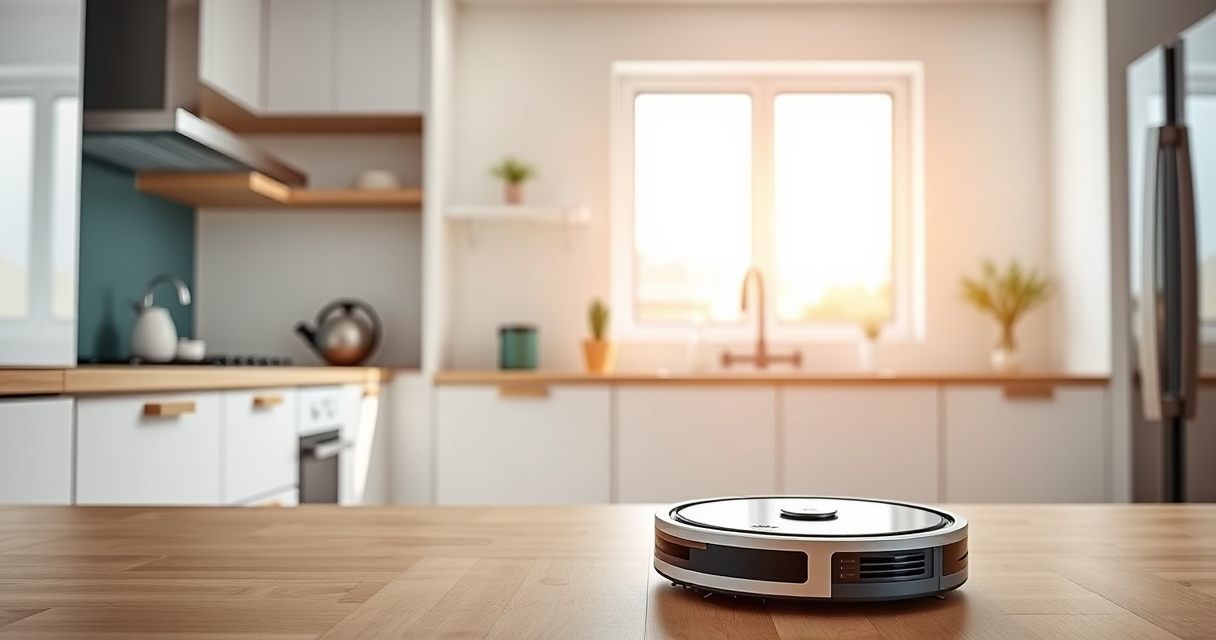
Getting your new Roborock Q7 M5+ ready for action is simple when you follow these clear, step-by-step instructions. Proper setup ensures your robot operates safely, efficiently, and maintains your home’s cleanliness with minimal hassle.

Get home appliances delivered free with Prime
- Fast, free delivery on millions of items
- Prime Video, Amazon Music and more included
- Member-only deals all year
We’ll cover everything from unboxing to initial calibration, including tips to avoid common issues and recommendations for accessories that enhance your cleaning experience.
Key Takeaways
| Ease of setup | Follow simple steps to get your Roborock ready quickly. |
| Optimal performance | Proper initial setup enhances cleaning efficiency. |
| Maintenance tips | Learn how to keep your vacuum running smoothly. |
| Accessory recommendations | Enhance cleaning with compatible mop pads and filters. |
Unbox and Prepare Your Roborock
- Carefully remove the Roborock Q7 M5+ from its packaging, ensuring you have all accessories, including the self-empty dock, power adapter, and cleaning tools.
- Place the robot on a flat, open surface in a central location near a power outlet.
Charge the Robot
- Connect the charging dock to a power outlet and ensure it is placed against a wall with enough space around it (at least 1.5 feet on each side and 4 feet in front).
- Align the Roborock’s charging contacts with the dock’s charging pins. The robot will automatically dock and begin charging.
- Charge fully before the first use; this typically takes a few hours.
Download and Set Up the App
- Download the Roborock app from your device’s app store.
- Create an account or log in if you already have one.
- Follow the in-app instructions to connect your Roborock to Wi-Fi, ensuring your phone is on the same network.
Configure Initial Settings
- In the app, select your model (Roborock Q7 M5+).
- Set your preferred cleaning schedules, map your home, and customize cleaning zones if needed.
- Attach the self-empty dust bag if not already installed, and insert the washable filters if you plan to use them.
Perform a Test Run and Adjust
- Start a cleaning cycle via the app or the robot’s control button.
- Observe the robot’s navigation and cleaning pattern to ensure it covers the intended areas.
- Adjust settings or map boundaries in the app as necessary for optimal coverage.
The Products in This Guide

roborock Q7 M5+ Robot Vacuum and Mop
- ✔ Max Runtime: Up to 150 mins
- ✔ Max Suction: 10,000Pa
- ✔ Dust Capacity: 2.7L

4 Pack Washable Filter
- ✔ Filter Type: HEPA
- ✔ Pack: 4 pack
- ✔ Compatibility: Multiple Roborock models
roborock Q7 M5+ Robot Vacuum and Mop
The Roborock Q7 M5+ offers powerful 10,000Pa suction, dual anti-tangle system, and PreciseSense LiDAR navigation, making it a top choice for pet owners and busy households. Its self-emptying dock and deep cleaning capabilities ensure minimal maintenance and thorough cleaning.
Pros:
- Powerful 10,000Pa suction
- Long 7-9 week self-emptying cycle
- Effective pet hair and carpet cleaning
- App-controlled customization
Cons:
- Higher price point
- Requires initial Wi-Fi setup
- Self-empty dock takes space
Best for: Pet owners, large homes, busy households needing minimal maintenance
Not ideal for: Small apartments with limited space for dock, users seeking budget options
Bottom line: A high-performance robot vacuum ideal for comprehensive, low-maintenance cleaning.
4 Pack Washable Filter
This 4-pack of washable HEPA filters is compatible with various Roborock models, including the Q7 series. They help maintain optimal suction and air quality, making them a valuable accessory for ongoing maintenance.
Pros:
- Effective filtration
- Reusable and washable
- Easy to install
- Keeps your vacuum performing like new
Cons:
- Must be cleaned regularly
- Not OEM but compatible
- Replacement every few months recommended
Best for: Long-term maintenance, pet owners, allergy sufferers
Not ideal for: Users looking for OEM parts, or infrequent users
Bottom line: A reliable washable filter that extends your vacuum’s lifespan and maintains performance.
Frequently Asked Questions
How often should I empty the self-empty dock?
The dock is designed to hold a 2.7L dust bag that can last up to 7-9 weeks depending on usage, so empty it when full or if you notice reduced suction.
Can I use the vacuum without the mop function?
Yes, the Roborock Q7 M5+ can be configured to vacuum only, allowing you to skip mopping on certain schedules or areas.
Is the app necessary for setup?
While initial setup can be done manually, the app provides full control, mapping, and customization options for the best experience.
How do I update the firmware?
Connect your robot to Wi-Fi via the app; firmware updates are usually prompted automatically or can be checked in the device settings.
Getting Your Roborock Q7 M5+ Ready for Action
By following these steps, you ensure your Roborock Q7 M5+ is set up correctly, ready to tackle pet hair, dust, and debris with ease. Proper initial configuration and regular maintenance will keep your robot performing at its best for weeks to come. Enjoy a cleaner, more comfortable home with this powerful, smart cleaning companion.
Affiliate disclosure: As an Amazon Associate we earn from qualifying purchases. Prices and availability are accurate as of the time of publishing.
Halloween Picks
halloween
As an affiliate, we earn on qualifying purchases.