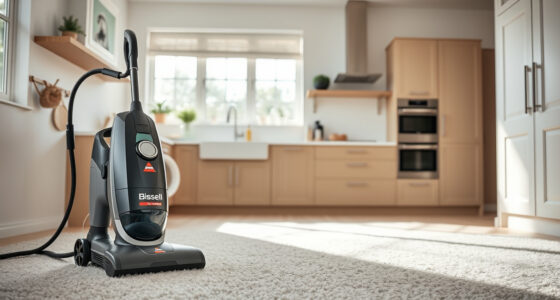
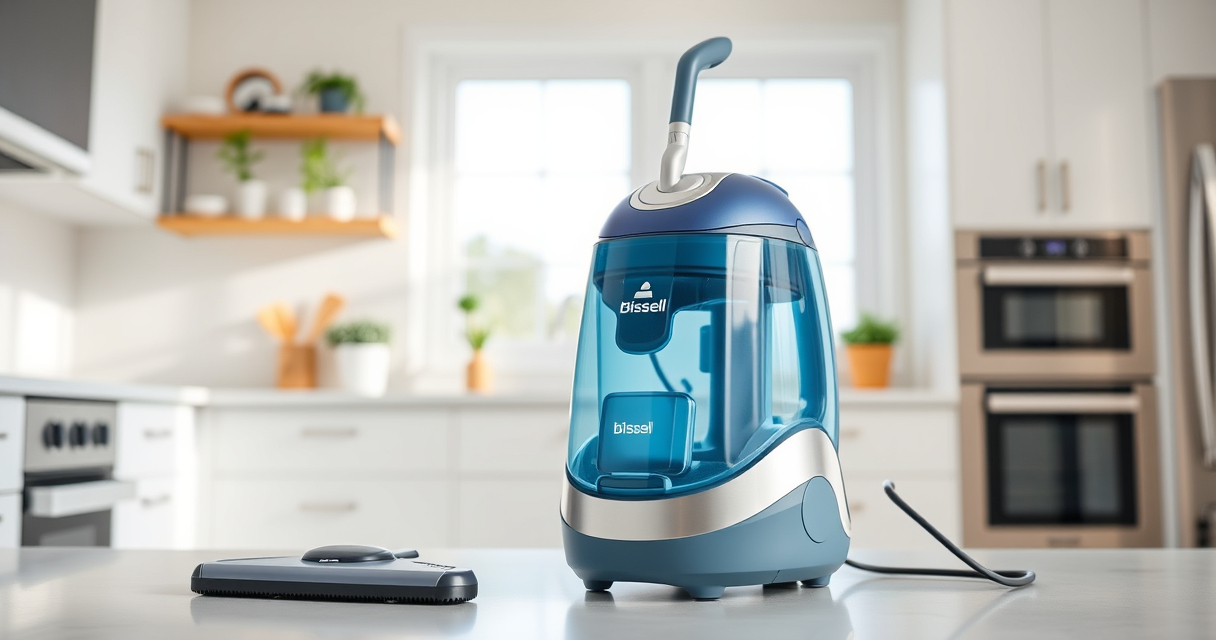
If your Bissell carpet cleaner isn’t sucking up water or debris as it should, it can be frustrating. Often, this issue stems from simple causes like clogs, blockages, or filter problems. Fortunately, most fixes are straightforward and safe to perform at home, helping you get back to a deep, effective clean quickly.

Get home appliances delivered free with Prime
- Fast, free delivery on millions of items
- Prime Video, Amazon Music and more included
- Member-only deals all year
In this guide, you’ll find clear, step-by-step troubleshooting steps to identify and resolve the common causes of no suction in your Bissell carpet cleaner.
Key Takeaways
| Check for blockages | Clogs in hoses or nozzles often cause suction loss. |
| Inspect filters and brushes | Dirty filters or worn brushes can impair suction performance. |
| Ensure proper water and solution levels | Low water or solution can reduce suction power. |
| Verify the motor and belts | A malfunctioning motor or broken belts may lead to no suction. |
| Test for electrical or user errors | Ensure the cleaner is plugged in and properly assembled. |
Step 1: Turn Off and Unplug Your Cleaner
Before starting any troubleshooting, make sure the device is turned off and unplugged from the electrical outlet. This ensures safety and prevents accidental injury or further damage.
Step 2: Check and Clear Blockages
- Inspect the hose, nozzle, and brush roll for any debris or obstructions.
- Remove any visible clogs by detaching hoses or brushes carefully.
- Use a long, flexible brush or a pipe cleaner to clear narrow passages.
Step 3: Clean or Replace Filters and Brushes
- Remove the filter and check for dirt or buildup. Wash with warm water and let dry completely before reinstalling.
- Inspect the brushes for hair, fibers, or debris; clean or replace if worn out.
Step 4: Verify Water and Solution Levels
Ensure the water tank is filled to the recommended level and the solution is properly added. Low water levels can cause suction issues.
Step 5: Check the Motor and Belts
Listen for unusual noises or vibrations during operation. If you suspect a faulty motor or broken belt, consult the user manual or contact professional service, as these parts require careful handling.
The Products in This Guide

BISSELL ProHeat 2X Revolution Pet Turbo Upright Carpet C
- ✔ Weight: 18 pounds
- ✔ Tank Capacity: 1.5 liters
- ✔ Warranty: 2 years

JORAIR Brush Replacement Compatible
- ✔ Weight: Approx 1.2 pounds
- ✔ Color: White/Gray
- ✔ Package Contents: 3 brush rolls, filters, brush
BISSELL ProHeat 2X Revolution Pet Turbo Upright Carpet C
The BISSELL ProHeat 2X Revolution Pet Turbo is a powerful and quiet upright cleaner. Its TurboStrength™ Motor delivers 40% more suction, making it effective against embedded dirt and pet stains. Its features like Heatwave Technology and dual DirtLifter PowerBrushes ensure a thorough clean every time.
Pros:
- Powerful suction with TurboStrength Motor
- Quiet operation with noise reduction
- Effective pet stain removal
- Fast drying with Express Clean Mode
Cons:
- Heavier than basic models
- Requires regular filter cleaning
- Higher price point
Best for: Pet owners and heavily-soiled carpets
Not ideal for: Light cleaning or minimal use
Bottom line: A powerful, pet-friendly carpet cleaner with advanced features.
JORAIR Brush Replacement Compatible
The JORAIR Brush Replacement compatible with Bissell CrossWave offers a cost-effective way to restore your cleaner’s suction and cleaning power. Its multi-surface design ensures versatility across different floor types.
Pros:
- Compatible with various Bissell CrossWave models
- Easy to install
- Effective cleaning performance
- Includes filters and cleaning brush
Cons:
- Only compatible with specific models
- Replacement parts may wear over time
- Limited to CrossWave series
Best for: Replacing worn brushes and filters
Not ideal for: For non-CrossWave models
Bottom line: A reliable, affordable upgrade for your CrossWave.
Frequently Asked Questions
What causes my Bissell cleaner to lose suction?
Common causes include clogged hoses, dirty filters, worn brushes, or low water levels. Regular maintenance helps prevent these issues.
How often should I clean the filters?
Check and clean filters every 1-3 months, depending on usage, to keep suction at optimal levels.
Can I use other solutions besides Bissell’s?
It’s best to use solutions recommended for your model to avoid damage. Using incompatible solutions can impair performance.
What should I do if the motor sounds weak?
If the motor is weak or making unusual noises, stop use and consult a professional technician or contact Bissell customer support.
Restore Your Carpet Cleaner’s Power
With these troubleshooting steps, you can quickly identify and fix common causes of no suction in your Bissell carpet cleaner. Regular maintenance, such as cleaning filters and checking for blockages, ensures your machine performs at its best. If problems persist, consider professional repair or contacting Bissell support to keep your home spotless.
Affiliate disclosure: As an Amazon Associate we earn from qualifying purchases. Prices and availability are accurate as of the time of publishing.
Fall yard work Picks
leaf blowers
As an affiliate, we earn on qualifying purchases.