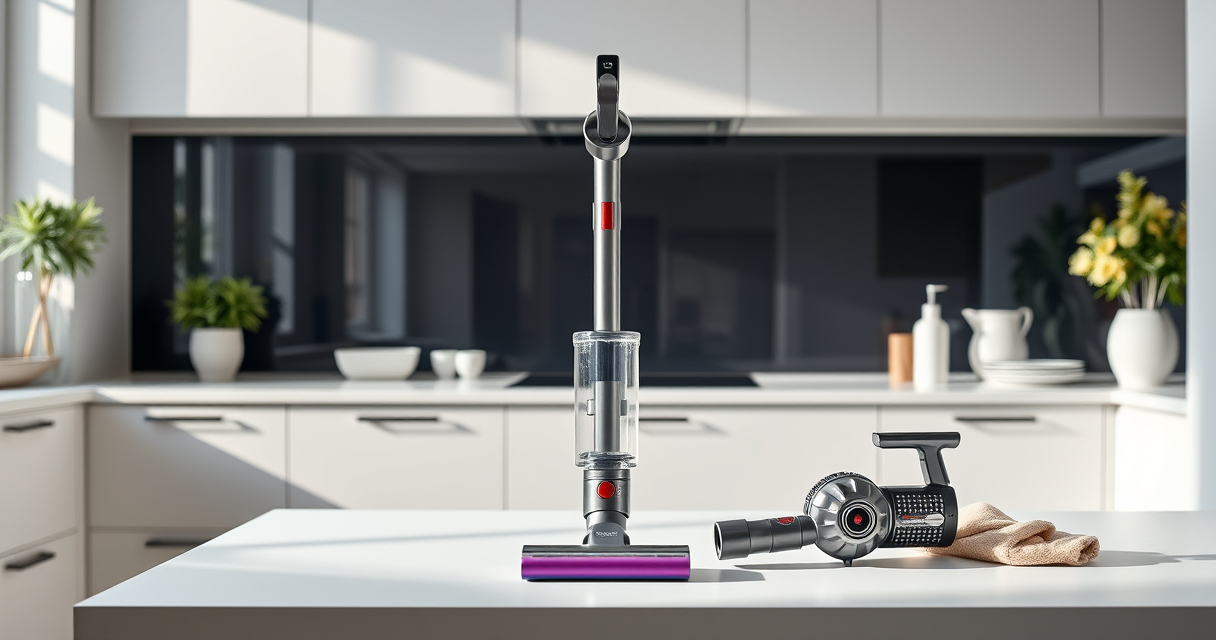
Maintaining your Dyson V15 Detect™ Origin Cordless Vacuum ensures optimal performance and longevity. Regular upkeep prevents common issues and keeps your cleaning power at peak levels. This guide provides clear, safe, and practical steps to clean, troubleshoot, and maintain your vacuum effectively.

Get home appliances delivered free with Prime
- Fast, free delivery on millions of items
- Prime Video, Amazon Music and more included
- Member-only deals all year
Follow these instructions carefully to ensure your vacuum remains in top condition, and explore recommended accessories that can enhance your cleaning experience.
Key Takeaways
| Routine Filter Cleaning | Regularly clean and replace filters to maintain suction. |
| Brush and Nozzle Care | Remove hair and debris from brushes and nozzles for optimal cleaning. |
| Battery and Power Checks | Monitor battery health and troubleshoot power issues. |
| Component Inspection | Check for damage or blockages in hoses and attachments. |
Cleaning the Filters
- Remove the pre-filters from the vacuum as per the user manual instructions.
- Rinse the filters thoroughly with water to remove dust and debris. Do not use detergents.
- Allow filters to air dry completely for at least 24 hours before reinstalling.
- Replace filters every 2-3 months or as recommended based on usage.
Checking and Cleaning the Brush Heads
- Detach the digital motorbar or fluffy optic cleaner head from the vacuum.
- Remove tangled hair, threads, or debris from the brushes using scissors or your fingers carefully.
- Use a damp cloth to wipe the brush and cleaner head housing.
- Reattach the heads securely before use.
Inspecting and Clearing Blockages
- Turn off and unplug the vacuum, then detach the wand and cleaner heads.
- Check the wand, hose, and cleaner heads for obstructions or debris.
- If blockages are found, carefully remove them using a long, flexible tool or a cloth.
- Ensure all connections are airtight before reassembling.
Troubleshooting Power and Battery Issues
- Check the LCD screen for error messages or alerts.
- Ensure the battery is fully charged and properly seated in the dock or charging station.
- If the vacuum won’t turn on, reset by pressing the power trigger a few times or removing and reinserting the battery if removable.
- Consult the user manual for specific error codes and solutions.
The Products in This Guide

Dyson V15 Detect™ Origin Cordless Vacuum
- ✔ Weight: 2.4 kg
- ✔ Charge Time: 3.5 hours
- ✔ Battery Type: Removable lithium-ion

LANMU Crevice Tool Vacuum Attachments Compatible
- ✔ Width: 1.2 inches
- ✔ Length: 12 inches
- ✔ Color: Black/Gray
Dyson V15 Detect™ Origin Cordless Vacuum
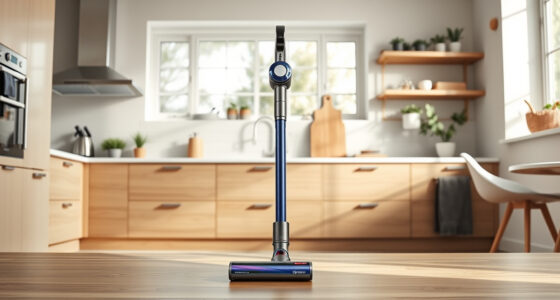
The Dyson V15 Detect™ Origin offers powerful, intelligent cleaning with a range of features including invisible dust detection and a LCD screen displaying real-time data. Regular maintenance is key to sustaining its performance.
Pros:
- Powerful suction with 100% more power
- Intelligent debris detection
- Long battery life (60 min)
- Multiple cleaning heads included
Cons:
- Requires regular filter cleaning
- Higher price point
- Battery replacement can be costly
Best for: Whole-home deep cleaning and pet owners
Not ideal for: Users seeking a budget-friendly vacuum or very lightweight options
Bottom line: The Dyson V15 Detect™ Origin delivers advanced cleaning with smart features—regular maintenance keeps it performing flawlessly.
LANMU Crevice Tool Vacuum Attachments Compatible
The LANMU Crevice Tool Vacuum Attachments are compatible with Dyson V15 and other models, making it easier to clean tight spots and hard-to-reach areas in both home and car environments.
Pros:
- Narrow nozzle for tight spaces
- Flexible and easy to maneuver
- Compatible with multiple Dyson models
- Durable construction
Cons:
- May require additional tools for attachment
- Limited to crevice cleaning tasks
Best for: Cleaning corners, edges, and narrow gaps
Not ideal for: For general floor cleaning or large debris
Bottom line: A versatile attachment that makes cleaning tight spots quick and effortless.
Frequently Asked Questions
How often should I clean or replace my Dyson filters?
It’s recommended to rinse washable filters every 1-3 months and replace them every 2-3 months depending on usage to maintain optimal suction.
Why is my vacuum not picking up debris effectively?
Check and clean the filters, ensure no blockages in hoses or nozzles, and verify that the brushes are free of tangled hair or debris.
Can I use generic filters or attachments?
It’s best to use Dyson-approved filters and attachments to ensure compatibility and optimal performance. Using non-approved parts may affect vacuum function.
What should I do if my vacuum’s LCD shows an error?
Refer to the user manual for specific error codes. Common steps include resetting the vacuum, checking for blockages, and ensuring the battery is properly connected.
Keep Your Dyson V15 Detect™ in Peak Condition
Regular maintenance of your Dyson cordless vacuum ensures it continues to deliver powerful, efficient cleaning. Follow these simple steps for filter care, brush cleaning, and troubleshooting, and consider useful accessories like the crevice tool to extend its versatility. Proper upkeep not only prolongs the life of your vacuum but also guarantees consistently superior cleaning results.
Affiliate disclosure: As an Amazon Associate we earn from qualifying purchases. Prices and availability are accurate as of the time of publishing.
Cold & flu season Picks
humidifiers
As an affiliate, we earn on qualifying purchases.