
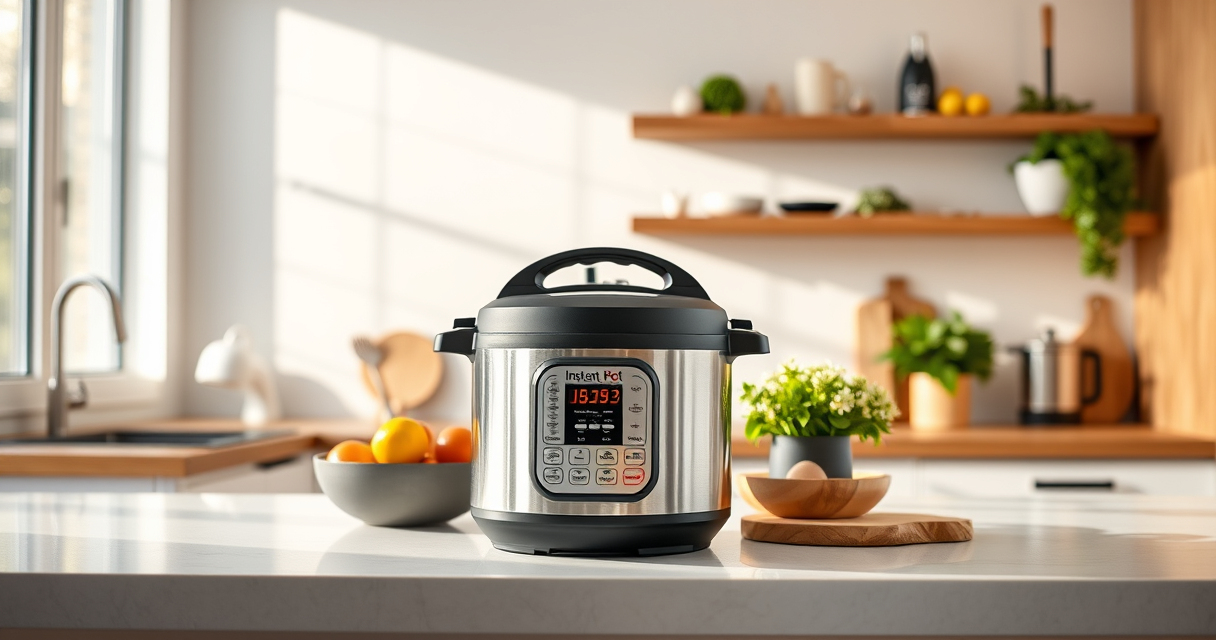

If your Instant Pot 4QT RIO Mini keeps displaying a burn error, it can halt your meal prep and cause frustration. This guide provides practical, safe, and accurate troubleshooting steps to resolve the issue quickly, so you can get back to enjoying your delicious meals.

Get home appliances delivered free with Prime
- Fast, free delivery on millions of items
- Prime Video, Amazon Music and more included
- Member-only deals all year
Burn errors usually occur due to food sticking to the bottom, improper sealing, or insufficient liquid. By following these clear steps, you can identify and fix the underlying causes effectively.
Key Takeaways
| Check the bottom of the inner pot | Food sticking or burning on the bottom can trigger burn errors. |
| Ensure proper sealing | A faulty or improperly seated sealing ring can cause pressure issues. |
| Add enough liquid | Insufficient liquid can lead to burning and safety shut-offs. |
| Stir and layer food properly | Prevent food from sticking by mixing ingredients and avoiding overfilling. |
| Clean the inner pot and sealing ring | Residue buildup can interfere with pressure and cause burn errors. |
Step 1: Inspect the Inner Pot for Burnt Residue
- Carefully remove the inner pot from the Instant Pot.
- Check the bottom for any burnt food or residue.
- If you find burnt bits, clean the bottom thoroughly with a non-abrasive sponge and warm, soapy water.
Step 2: Verify the Sealing Ring and Lid
- Ensure the sealing ring is properly seated in the lid. It should sit snugly without gaps.
- Replace the sealing ring if it is cracked, deformed, or has a strong odor. Consider using an authentic Instant Pot sealing ring (asin=B008FUUQJW).
- Close the lid securely, making sure the vent is set to sealing position.
Step 3: Check Liquids and Food Placement
- Ensure there is at least 1 cup of liquid in the inner pot to generate sufficient steam.
- Layer ingredients properly, avoiding overfilling and stirring the food to prevent sticking.
Step 4: Adjust Cooking Settings and Restart
- Set the cooking time again, ensuring you select the correct function.
- Start the pressure cooking cycle, and monitor for any immediate issues.
Additional Tips and Safety Precautions
- Always check for residue or burnt bits before each use.
- Use a steamer basket (such as the AOZITA Steamer Basket, asin=B07CMW3B95) to keep food elevated and prevent direct contact with the bottom.
- Do not overfill the inner pot; leave enough space for steam expansion.
- If the burn error persists after cleaning and adjustments, consider replacing the sealing ring or inner pot.
The Products in This Guide

Instant Pot 4QT RIO Mini 7-in-1 Multi-Cooker
- ✔ Capacity: 4 Quarts
- ✔ Functions: 7 in 1
- ✔ Material: Black with Rosewater finish

AOZITA Steamer Basket
- ✔ Material: Stainless Steel
- ✔ Design: 2-Tier Stackable
- ✔ Use: Multi-food steaming
Instant Pot 4QT RIO Mini 7-in-1 Multi-Cooker
The Instant Pot 4QT RIO Mini is a versatile and compact multi-cooker that offers excellent cooking functions. When faced with a burn error, proper cleaning, sealing, and liquid adjustments are key to restoring optimal performance.
Pros:
- Compact size fits small kitchens
- Multiple cooking functions
- Easy to clean
- Reliable safety features
Cons:
- Burn errors can occur if not properly maintained
- Limited 4-quart capacity
- Sealing ring may need replacement over time
Best for: Small families, students, and singles needing quick, versatile cooking.
Not ideal for: Large meal preparations or batch cooking.
Bottom line: A reliable mini multi-cooker that, with proper maintenance, minimizes burn errors.
AOZITA Steamer Basket
Enhance your Instant Pot experience with this two-tier stainless steel steamer basket. It helps prevent food from sticking to the bottom and makes steaming multiple items easy and efficient.
Pros:
- Two-tier design for multi-food cooking
- Stainless steel for durability
- Easy to clean and dishwasher safe
- Fits 6 and 8-quart models
Cons:
- Adds an extra component to clean
- Requires additional space in the pot
- May need to adjust cooking times for larger foods
Best for: Steaming vegetables, eggs, seafood, and multi-layer meals.
Not ideal for: For those who prefer minimal accessories or have tight storage.
Bottom line: A versatile accessory that maximizes your Instant Pot’s utility while helping prevent burn errors.
Frequently Asked Questions
Why does my Instant Pot keep showing a burn error?
Burn errors typically occur due to food sticking to the bottom, insufficient liquid, or improper sealing. Cleaning and proper setup usually resolve the issue.
How much liquid do I need to avoid burn errors?
Ensure there is at least 1 cup of liquid in the inner pot to generate enough steam and prevent burning.
Can I use a different sealing ring to fix burn errors?
Yes, replacing the sealing ring with a genuine Instant Pot sealing ring (asin=B008FUUQJW) can improve sealing and pressure build-up, reducing burn errors.
What should I do if cleaning doesn’t fix the burn error?
Double-check that the food isn’t overfilled, the sealing ring is properly seated, and that enough liquid is added. Consider replacing the inner pot if residue buildup persists.
Master Your Instant Pot and Say Goodbye to Burn Errors
By following these practical steps—cleaning the bottom, verifying the sealing, ensuring adequate liquids, and properly layering your ingredients—you can effectively troubleshoot and fix the burn error. Maintaining your Instant Pot regularly will keep it functioning smoothly, allowing you to enjoy fast, delicious meals without interruption.
Affiliate disclosure: As an Amazon Associate we earn from qualifying purchases. Prices and availability are accurate as of the time of publishing.
Cold & flu season Picks
humidifiers
As an affiliate, we earn on qualifying purchases.