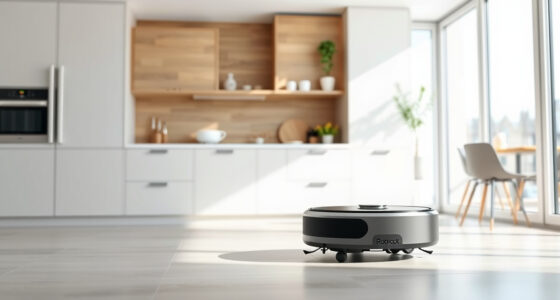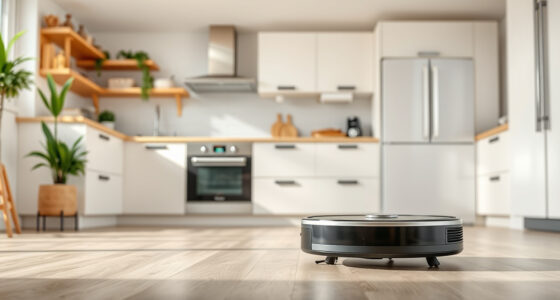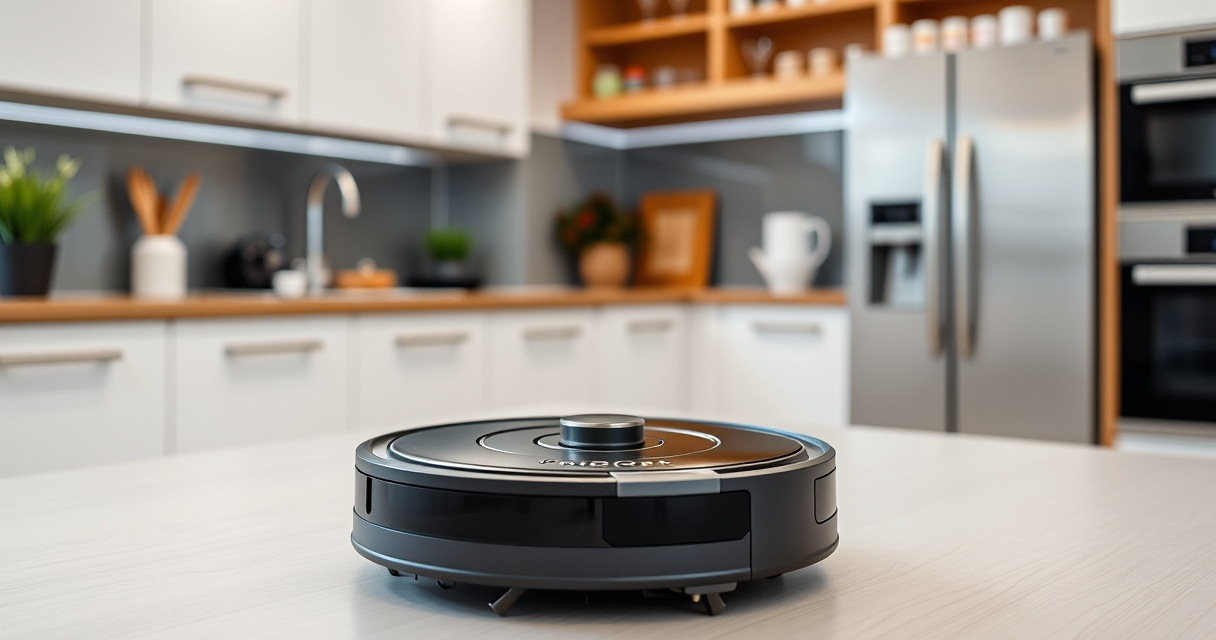
Roborock robot vacuums are a powerful and convenient way to keep your home clean. However, to ensure consistent performance and longevity, regular maintenance is essential. Proper upkeep involves cleaning filters, brushes, sensors, and addressing common issues before they become serious problems. This guide provides clear, practical steps to maintain your Roborock Q7 M5+ Robot Vacuum, troubleshoot common problems, and keep it functioning at peak performance.

Get home appliances delivered free with Prime
- Fast, free delivery on millions of items
- Prime Video, Amazon Music and more included
- Member-only deals all year
Whether you’re a new owner or seasoned user, following these maintenance routines will help maximize your vacuum’s lifespan and cleaning efficiency. Always remember to power off your device before performing any maintenance, and handle parts carefully to avoid damage.
Key Takeaways
| Regular cleaning extends lifespan | Consistently cleaning filters, brushes, and sensors prevents clogs and performance drops. |
| Check for tangled hair | Pet hair and debris can tangle in brushes and wheels, reducing suction and mobility. |
| Replace filters periodically | Washable HEPA filters need regular cleaning and replacement every 1-3 months for optimal filtration. |
| Troubleshoot common issues | Error messages and navigation problems often relate to sensor or brush issues, solvable with simple steps. |
Preparing for Maintenance
- Power off your Roborock Q7 M5+ and unplug it if necessary to prevent accidental activation.
- Gather necessary tools: a soft cloth, cleaning brush, replacement filters (if needed), and a small screwdriver if required for removing debris or access panels.
- Ensure your workspace is clean and well-lit to easily access all parts of the vacuum.
Proper preparation makes maintenance safer and more effective, reducing the risk of damage.
Cleaning the Main Brush and Side Brushes
- Remove the main brush by releasing the latch or screws, depending on your model’s design.
- Clear hair, pet fur, and debris from the brush and its bearings using the included cleaning tool or a small brush.
- Check the side brushes for tangled hair and remove any obstructions.
- Reinstall the brushes securely, ensuring they spin freely.
Regular cleaning of brushes maintains suction power and prevents mechanical issues.
Cleaning and Replacing Filters
- Remove the dustbin and take out the washable HEPA filter.
- Rinse the filter gently with water, avoiding soap or harsh cleaners, and let it air dry completely before reinstalling (at least 24 hours).
- If the filter appears worn or damaged, replace it with a compatible washable filter set like the 4 Pack Washable Filter.
- Reinsert the filter and dustbin securely.
Maintaining clean filters ensures optimal suction and filtration, especially for homes with pets or allergies.
Cleaning Sensors and Charging Contacts
- Use a soft, dry cloth or a brush to gently wipe the PreciSense LiDAR navigation sensors and cliff sensors.
- Inspect charging contacts on the device and charging dock, wiping them clean to ensure proper charging.
- Check for dust or debris that could impair navigation or charging efficiency.
Clean sensors and contacts regularly to maintain accurate navigation and reliable charging cycles.
Troubleshooting Common Issues
- Navigation errors or getting stuck: Clean sensors, check for tangled hair in brushes, and ensure the wheels move freely.
- Reduced suction: Clear filters, clean brushes, and empty the dustbin completely.
- Vacuum not starting or charging: Verify power connection, clean charging contacts, and restart the device.
- Error messages: Refer to the user manual for specific codes; often, they relate to cleaning or sensor issues.
If problems persist, performing a factory reset or updating firmware via the app can help resolve software glitches.
The Products in This Guide

roborock Q7 M5+ Robot Vacuum and Mop
- ✔ Suction Power: 10000Pa
- ✔ Dust Capacity: 2.7L
- ✔ Navigation: PreciSense LiDAR

4 Pack Washable Filter
- ✔ Pack Size: 4 filters
- ✔ Compatibility: Multiple Roborock models
- ✔ Filter Type: HEPA
roborock Q7 M5+ Robot Vacuum and Mop
<p>The Roborock Q7 M5+ Robot Vacuum and Mop offers powerful cleaning with up to 7-9 weeks of self-emptying capacity, 10000Pa suction, and a dual anti-tangle system designed for pet hair and carpets. Its PreciseLiDAR navigation ensures efficient route mapping, making maintenance easier and more effective.</p>
Pros:
- Long-lasting self-emptying dust bag
- High suction power for pet hair
- Advanced navigation system
- Effective anti-tangle design
Cons:
- Higher initial cost
- Requires regular filter cleaning
- Complexity for first-time users
Best for: Pet owners and busy households needing low-maintenance, reliable cleaning
Not ideal for: Homes with very delicate flooring or very tight spaces that may impede navigation
Bottom line: A highly capable robot vacuum with powerful suction and long-lasting self-emptying features.
4 Pack Washable Filter
<p>This washable filter pack is compatible with several Roborock models including Q7, Q7+, and Q8 Max. It ensures your vacuum maintains optimal filtration and suction power over time, easily replacing original parts with a simple wash and reuse cycle.</p>
Pros:
- Cost-effective
- Easy to clean and replace
- Maintains filtration quality
- Compatible with multiple models
Cons:
- Washing required every 1-3 months
- Not OEM, but performs equally well
- Requires drying time before reinstallation
Best for: Users seeking affordable, effective filter replacement
Not ideal for: Users preferring OEM parts or with very sensitive allergies
Bottom line: A reliable, washable HEPA filter set that keeps your Roborock vacuum performing at its best.
Frequently Asked Questions
How often should I clean the brushes on my Roborock?
It’s best to check and clean the brushes weekly, especially if you have pets, to prevent hair and debris buildup that can impair performance.
Can I wash the HEPA filters?
Yes, the washable filters can be rinsed with water. Ensure they are completely dry before reinstalling to avoid damage or mold growth.
What should I do if my Roborock gets stuck or doesn’t navigate properly?
Check for dirt on sensors, clear any tangled hair from brushes and wheels, and ensure the navigation sensors are clean and unobstructed.
How do I reset my Roborock if it encounters errors?
Power off the device, wait a few seconds, then restart it. For persistent issues, perform a factory reset via the app or consult the user manual.
Is it necessary to replace filters or brushes regularly?
Yes, replacing or cleaning filters every 1-3 months and brushes as needed ensures consistent cleaning power and prevents mechanical issues.
Keeping Your Roborock in Peak Condition
Regular maintenance of your Roborock Q7 M5+ ensures optimal cleaning performance and extends its lifespan. Simple routines like cleaning brushes, filters, sensors, and addressing minor issues promptly can save you time and costly repairs down the line. By following this comprehensive guide, you can enjoy a consistently clean home with minimal stress and maximum efficiency.
Affiliate disclosure: As an Amazon Associate we earn from qualifying purchases. Prices and availability are accurate as of the time of publishing.
Fall yard work Picks
leaf blowers
As an affiliate, we earn on qualifying purchases.