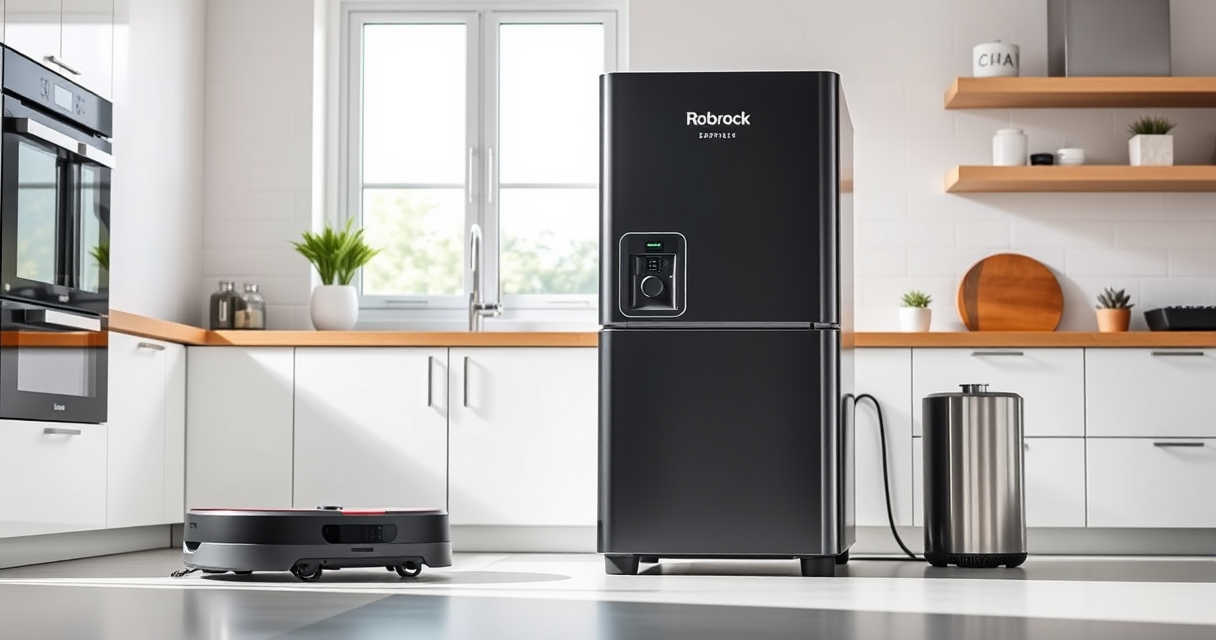
Roborock robotic vacuums are powerful and convenient cleaning companions, but like any technology, they can sometimes encounter issues. Regular care and troubleshooting can extend their lifespan and optimize performance. This guide provides clear, safe, and actionable steps to troubleshoot common problems and maintain your Roborock Q7 M5+ effectively.

Get home appliances delivered free with Prime
- Fast, free delivery on millions of items
- Prime Video, Amazon Music and more included
- Member-only deals all year
Whether you’re dealing with connectivity issues, cleaning inefficiencies, or hardware concerns, this comprehensive guide will help you diagnose and resolve problems quickly, ensuring your robot continues to keep your home spotless.
Key Takeaways
| Regular Maintenance | Keeps your Roborock functioning optimally and prevents common issues. |
| Troubleshooting Connectivity | Simple steps to resolve Wi-Fi and app-related problems. |
| Cleaning & Hardware Checks | Routine checks on brushes, filters, and sensors improve performance. |
| Battery & Navigation Care | Proper handling extends battery life and maintains PreciseSense LiDAR navigation. |
Initial Troubleshooting Steps
- Check Power and Battery Status: Ensure the vacuum is charged. If not, place it on its charging dock and wait until it reaches full power. Confirm the power switch (if applicable) is on.
- Restart the Robot: Turn off your Roborock, wait 10 seconds, then turn it back on to reset temporary glitches.
- Verify Wi-Fi & App Connection: Ensure your home Wi-Fi is operational. Restart your router if needed. In the app, disconnect and reconnect your device to Wi-Fi to resolve connectivity issues.
- Inspect for Obstructions: Check the wheels, brushes, and sensors for debris or hair entanglements. Clear any blockages carefully.
- Update Firmware and App: Keep your Roborock and app updated to the latest versions for optimal performance and bug fixes.
Cleaning Performance Troubleshooting
- Check Brushes and Filters: Remove and clean the main brush, side brushes, and filters regularly. Use a soft brush or cloth to clear hair and debris. Replace filters if they are dirty or clogged.
- Inspect the Mop Pads: Ensure they are clean and properly attached. Dirty or misaligned pads can reduce cleaning effectiveness.
- Verify Suction and Water Flow: Make sure the dustbin is emptied and filters are clean for maximum suction. For mopping, check water tank levels and nozzle openings for blockages.
- Adjust Cleaning Mode: Use the app to select appropriate cleaning modes for different surfaces and dirt levels.
Hardware and Sensor Care
- Clean Sensors: Gently wipe the LiDAR sensors and cliff sensors with a soft, dry cloth to ensure proper navigation.
- Inspect Wheels and Bearings: Check for debris around wheels. Clear any stuck particles to prevent mobility issues.
- Examine the Main Brush and Sidetools: Remove hair or fibers to prevent tangling and maintain effective cleaning.
- Check for Physical Damage: Look for cracks or broken parts and replace them promptly to avoid further issues.
Battery & Navigation Maintenance
- Optimize Battery Usage: Avoid letting the battery fully drain; recharge after every use. Replace the battery if runtime significantly decreases.
- Maintain PreciseSense LiDAR: Keep the LiDAR sensor clean for accurate mapping. Avoid placing your robot in overly cluttered or reflective environments that can interfere with navigation.
- Update Map and Cleaning Settings: Regularly review and update your home map via the app for better navigation efficiency.
- Store Properly: When not in use for extended periods, store your Roborock in a cool, dry place away from direct sunlight.
Tips, Warnings, and Best Practices
- Safe Handling: Always power off your Roborock before cleaning internal parts or performing maintenance.
- Use Genuine Accessories: Use recommended filters, mop pads, and brushes to ensure optimal performance and avoid damage.
- Avoid Water Damage: Be cautious when cleaning sensors or electronics—use a dry cloth or slightly damp cloth without harsh chemicals.
- Regular Maintenance Schedule: Set a monthly routine for cleaning brushes, filters, and sensors to prevent buildup and issues.
- Firmware Updates: Keep your device firmware updated via the app for the latest features and fixes.
The Products in This Guide

roborock Q7 M5+ Robot Vacuum and Mop
- ✔ Suction Power: 10000Pa
- ✔ Dust Capacity: 2.7L
- ✔ Navigation: PreciSense LiDAR

4 Pack Washable Filter
- ✔ Pack Size: 4 filters
- ✔ Washable: Yes
- ✔ Compatibility: Multiple Roborock models
roborock Q7 M5+ Robot Vacuum and Mop
The Roborock Q7 M5+ offers robust suction power and a self-emptying dock that can handle up to 7-9 weeks of debris without intervention. Its PreciSense LiDAR navigation ensures precise mapping, making it ideal for homes with pets and carpets.
Pros:
- Powerful 10000Pa suction
- Self-emptying dust bag for weeks of use
- Dual anti-tangle system
- App control for customization
Cons:
- Higher price point
- Requires initial setup
- Maintenance of filters needed
Best for: Pet owners and busy households seeking efficient, low-maintenance cleaning
Not ideal for: Small living spaces or minimal debris environments
Bottom line: Roborock Q7 M5+ combines powerful cleaning with minimal maintenance, perfect for pet-friendly and busy households.
4 Pack Washable Filter
This 4-pack washable HEPA filters ensures your Roborock maintains top suction and air quality. Easy to install and clean, they are compatible with multiple models including the Q7 and Q7+.
Pros:
- Effective filtration
- Washable and reusable
- Easy to install
- Cost-effective in the long run
Cons:
- Requires regular cleaning
- Not OEM, but compatible
Best for: Users seeking economical, high-quality filtration
Not ideal for: Those preferring OEM parts or with very sensitive allergies
Bottom line: A cost-effective, washable filter that helps keep your Roborock cleaning at peak performance.
Frequently Asked Questions
How often should I clean the brushes and filters?
It is recommended to clean the main brush and filters weekly to maintain optimal suction and cleaning efficiency.
What should I do if my Roborock isn’t connecting to Wi-Fi?
Ensure your Wi-Fi network is active, restart your router, and reconnect the robot via the app. Moving the robot closer to the Wi-Fi source can also help.
How do I update my Roborock’s firmware?
Open the app, navigate to device settings, and check for firmware updates. Follow prompts to install any available updates.
Can I use regular soap or chemicals to clean the robot?
No. Use only a damp cloth with water or mild, non-abrasive cleaners. Avoid harsh chemicals that could damage sensors or plastics.
What is the best way to maintain the LiDAR sensor?
Gently wipe the LiDAR sensor with a soft, dry cloth regularly to prevent dust buildup that can interfere with navigation.
Keep Your Roborock Running Like New
With proper maintenance and troubleshooting, your Roborock Q7 M5+ can deliver consistent, high-quality cleaning for years to come. Regularly inspect and clean its components, stay up-to-date with firmware, and address issues promptly to enjoy a hassle-free cleaning experience. Remember, a well-maintained robot is a happy, efficient cleaning companion!
Affiliate disclosure: As an Amazon Associate we earn from qualifying purchases. Prices and availability are accurate as of the time of publishing.
NFL season / tailgating Picks
team gear
As an affiliate, we earn on qualifying purchases.